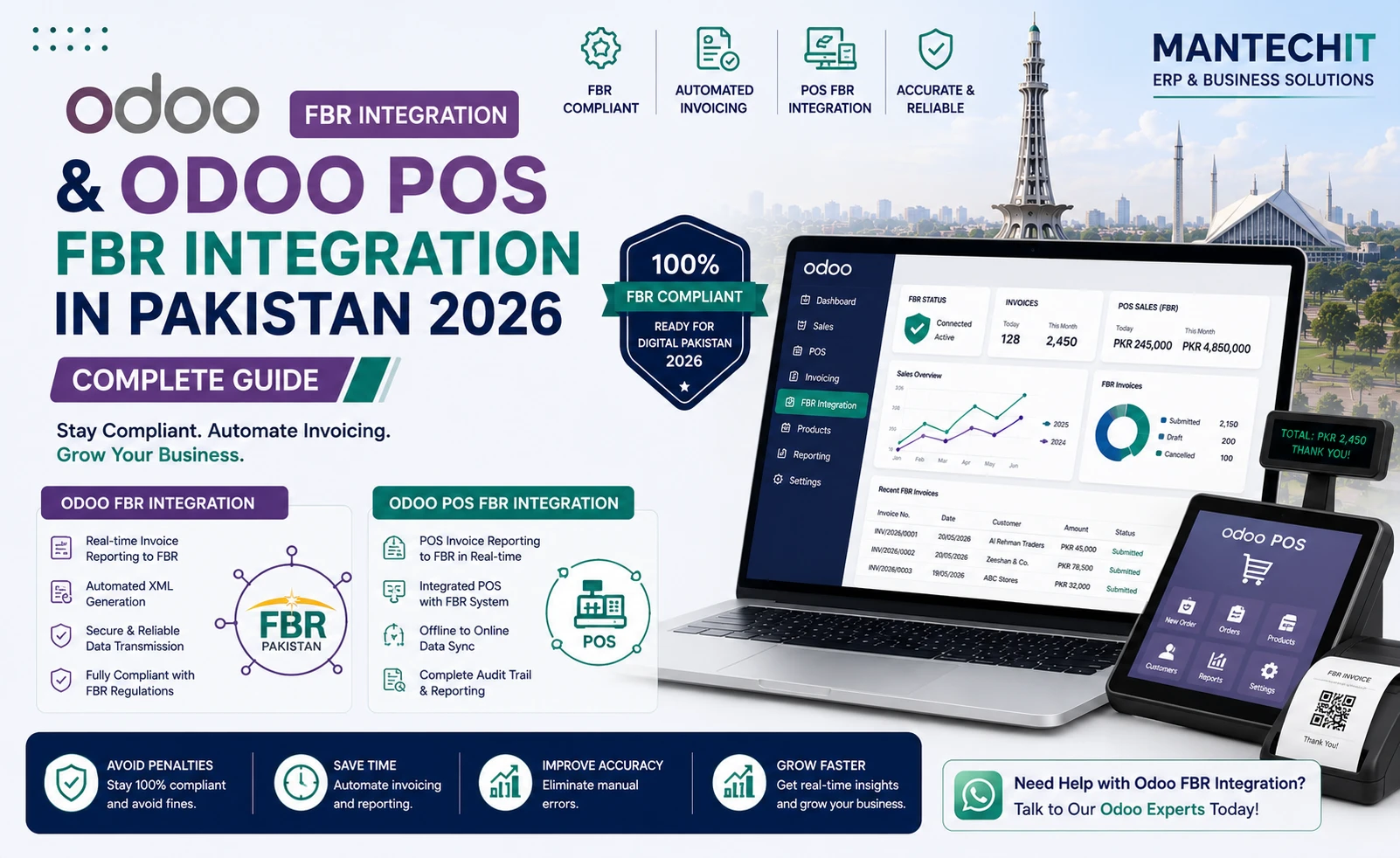
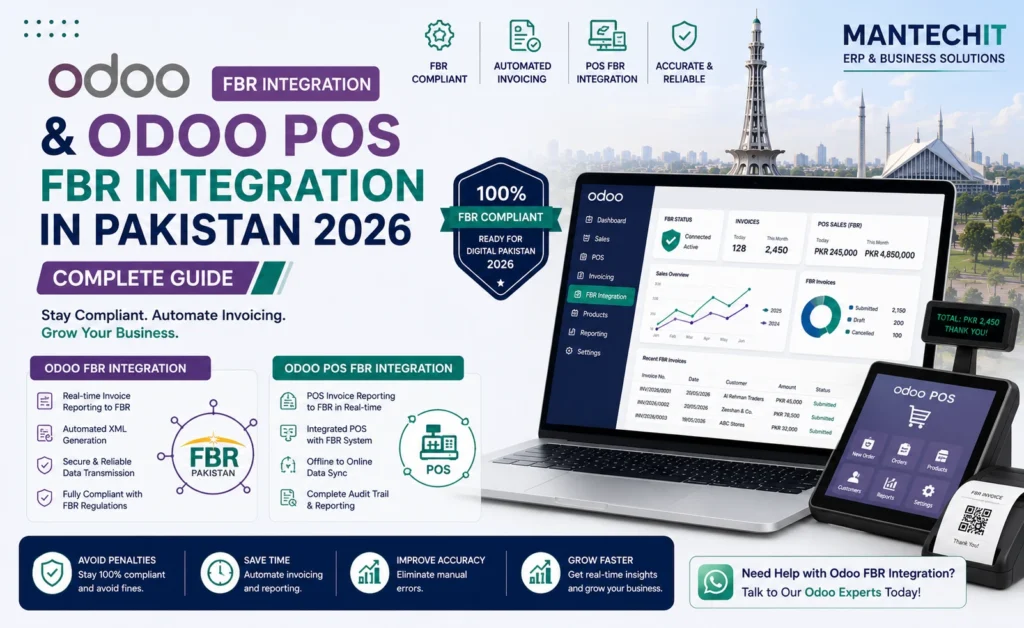
If your business runs on Odoo and must send invoices to FBR, you don’t need a second system or manual uploads. With Odoo FBR integration, every confirmed invoice or POS sale goes from Odoo to FBR automatically. The FBR invoice number and QR code come back into Odoo and print on the invoice or receipt.
This guide is about the Odoo side of the job: which Odoo apps are involved, what data Odoo needs, how the setup works step by step, Community vs Enterprise, and what it costs in Pakistan.
Already using Odoo, or planning to? MantechIT adds FBR integration to new and existing Odoo systems. Book a free Odoo FBR demo →
How Does Odoo FBR Integration Work?
- A sales invoice or POS order is confirmed in Odoo.
- Odoo builds the FBR data from the company, customer, product and tax records.
- An FBR integration module, set up through a licensed integrator, sends the data to FBR’s API.
- FBR returns an invoice number. Odoo saves it and prints it, with a QR code, on the invoice or receipt.
- If anything fails, the invoice is marked pending or failed in Odoo and retried safely.
Your team keeps working in Odoo as usual. There’s no portal login and no copy-paste.
What Is Odoo FBR Integration?
Odoo FBR integration is an Odoo module and configuration that connects Odoo’s invoicing and POS with FBR’s electronic invoicing system. It does three jobs:
- Maps Odoo’s data (customers, products, taxes, units) into the format FBR requires
- Sends each invoice to FBR at the moment it’s confirmed
- Stores FBR’s response (invoice number, status, errors) against the Odoo record
Standard Odoo doesn’t include FBR integration out of the box. It is added through a Pakistan-specific integration module and setup. FBR requires notified registered persons to integrate through a licensed integrator, so check that your Odoo partner works through one.
New to FBR’s requirements? Read Best FBR Digital Invoicing Software in Pakistan →
Which Odoo Apps Connect to FBR?
| Odoo app | Role in FBR integration |
|---|---|
| Invoicing / Accounting | B2B sales invoices sent to FBR; FBR number stored on the invoice; tax reports for the monthly return |
| Sales | Quotations and orders carry customer and tax data into the invoice |
| Point of Sale | Each retail sale sent to FBR; FBR number and QR printed on the receipt |
| Inventory | Products, units of measure and stock moves linked to invoiced items |
| Purchase | Vendor bills and input tax recorded for the sales tax return |
| Contacts | Customer NTN/STRN, registration status and province |
Most businesses use Invoicing + Sales + Inventory for B2B. Retailers add Point of Sale. Many companies use both.
What Odoo Needs Before FBR Integration
Most FBR rejections come from missing or wrong master data in Odoo. Get these right before going live:
Company Settings
- Business name, NTN and STRN
- Registered address and province
- Each branch or POS set up as FBR requires
Customers (Contacts)
- NTN/STRN for registered buyers, or CNIC where required
- Registered or unregistered status
- Province of the buyer
Products
- HS code on every product
- FBR sale type (for example standard rate, reduced rate, exempt or Third Schedule goods)
- Correct unit of measure
- Default tax for the product
Taxes and Fiscal Positions
- Standard sales tax (currently 18%) and any reduced rates
- Exempt and zero-rated treatments
- FED where it applies
- Fiscal positions that switch tax automatically, for example for export customers
Getting “HS code does not match with provided sale type”? See our FBR Integration Errors guide →
Step-by-Step: Setting Up FBR Integration in Odoo
Step 1 — Review Your Business Flow
List who you sell to (registered, unregistered, export, retail), what you sell, and which tax treatments apply. This decides the tax and fiscal position setup.
Step 2 — Clean Master Data
Update company, customer and product records: NTN/STRN, province, HS code, sale type and unit of measure. For large catalogues, import from Excel.
Step 3 — Configure Taxes in Odoo
Create the tax records (standard, reduced, exempt, zero-rated, FED) and link them to product categories, so users never choose tax by hand.
Step 4 — Install the FBR Integration Module
Install and configure the Pakistan FBR module in Odoo, with your sandbox credentials first.
Step 5 — Test in Sandbox
Send test invoices for every scenario: standard, exempt, export, mixed-tax invoice, credit note and POS sale. Check that FBR numbers and QR codes come back.
Step 6 — Set Up Invoice and Receipt Layouts
Add the FBR invoice number and QR code to the Odoo invoice PDF and the POS receipt.
Step 7 — Switch to Production
Replace sandbox credentials with production credentials and send the first live invoice.
Step 8 — Train Users and Monitor
Train accounts and sales staff, and cashiers for POS. Check the FBR status dashboard daily for the first weeks.
B2B Invoices: Odoo FBR Integration for Manufacturers & Distributors
For businesses selling to other registered businesses:
- Sales order → delivery → invoice in Odoo as normal
- On confirmation, the invoice is sent to FBR automatically
- The FBR number is stored on the invoice and printed on the PDF
- Credit notes are linked to the original invoice
- Mixed invoices (standard, reduced, exempt and zero-rated lines together) are each reported with the correct tax line
Related: Manufacturing ERP → · Distribution & Trading ERP →
Odoo POS FBR Integration (Tier-1 Retailers)
For retailers who must integrate their POS:
- Every Odoo POS order is sent to FBR as it’s paid
- The receipt prints the FBR invoice number and QR code
- Offline orders are queued and synced when the internet returns
- Multi-branch: each shop and terminal registered and linked
Full details on Tier-1 rules, FBR POS registration and hardware are in our dedicated guide:
FBR POS Integration 2026 — How to Integrate POS with FBR → · Cloud POS ERP Solutions →
Odoo Community vs Enterprise for FBR Integration
| Odoo Community | Odoo Enterprise | |
|---|---|---|
| License | Free | Paid per user to Odoo |
| FBR integration | Yes, with integration module | Yes, with integration module |
| Accounting | Basic invoicing; full accounting needs extra setup or modules | Full accounting included |
| POS, Inventory, Sales, Purchase | ✅ | ✅ |
| Best for | Small businesses with simple accounting | Growing companies needing full accounting and reporting |
FBR integration works with both. The choice depends mainly on how much accounting and reporting you need.
Related: Free vs Paid ERP Software →
Tax & Withholding Setup in Odoo for Pakistan
Beyond FBR invoice transmission, a Pakistan Odoo setup usually includes:
- Sales tax: standard, reduced, exempt, zero-rated and FED, per product category
- Provincial service tax: PRA (Punjab) or SRB (Sindh) on service invoices
- Withholding tax: deducted on vendor payments and recorded when customers deduct from you, per the applicable section and rate
- Monthly reports: sales tax summary by tax type, input tax from vendor bills, and WHT statements
Rates and rules change through Finance Acts and SROs. Your Odoo partner should update the tax setup when they change. Confirm current rates with your tax advisor.
Monitoring, Errors and Retries in Odoo
A good Odoo FBR setup shows you, at any time:
- Invoices sent, pending, failed and rejected
- FBR’s error message on each failed invoice
- Retry history, so accepted invoices are never sent twice
Common causes of failures: a wrong HS code or sale type, a missing buyer NTN, an old tax rate, an expired token, or a temporary FBR outage.
Full list of messages and fixes: FBR Integration Errors 2026 — 10 Common Errors & Fixes →
Already Using Odoo? Adding FBR Integration to an Existing System
You don’t need a new Odoo to become FBR compliant. For existing Odoo users, MantechIT:
- Reviews your current Odoo version, apps and customisations
- Cleans customer, product and tax data
- Installs and configures the FBR module
- Tests in sandbox with your real scenarios
- Goes live with monitoring
If your Odoo was set up by another partner, or the earlier integration keeps failing, we can review and fix it.
Odoo FBR Integration: Timeline & Cost in Pakistan
| Scenario | Typical timeline | Typical cost (MantechIT) |
|---|---|---|
| FBR integration added to an existing, clean Odoo | 1–3 weeks | Quoted after review |
| New Odoo + FBR, small business (single branch) | 3–6 weeks | From PKR 300,000–600,000 |
| New Odoo + FBR + POS, multi-branch retail | 4–8 weeks | From PKR 500,000 |
| Monthly support (including FBR updates) | Ongoing | From PKR 15,000–30,000/month |
Exact cost depends on users, apps, branches, data clean-up and customisation.
Related: ERP Software Price in Pakistan →
Industries Using Odoo FBR Integration
| Industry | Key Odoo + FBR needs | Learn more |
|---|---|---|
| Manufacturing | B2B invoices, mixed tax, input tax | Manufacturing ERP |
| Distribution & wholesale | High invoice volume, credit limits, NTN data | Distribution ERP |
| Retail chains | Tier-1 POS, multi-branch, offline sync | Retail ERP |
| Pharmaceutical | Mixed exempt and taxable items, batch tracking | Pharmaceutical ERP |
| Textile & garment | Export zero-rating, local sales | Textile & Garment ERP |
| Food & beverage | FED and GST on the same invoice | Food & Beverage ERP |
Why Choose MantechIT for Odoo FBR Integration
- Official Odoo Partner in Johar Town, Lahore
- Odoo-first: we set up Odoo and the FBR connection together, so data, taxes and reports match
- Live demo of the FBR flow before you commit
- Existing Odoo users welcome: we can add FBR to, or fix, an existing system
- FBR updates applied during support when FBR changes rules or APIs
- Lahore-based team with on-site training and go-live support
Related: Best Odoo Partner in Pakistan → · Odoo Consultants in Lahore →
Frequently Asked Questions
Get Odoo FBR Integration Done Right
📞 0345 8880987 · 📧 info@mantechit.com 📍 Office 8/E, Block E, Johar Town, Lahore 🌐 Book a Free Odoo FBR Demo →