FBR digital invoicing is now part of daily operations for registered businesses in Pakistan. When your ERP, POS or invoicing software sends invoices to FBR, one wrong field, an expired token or a temporary FBR server problem can stop invoices from going through.
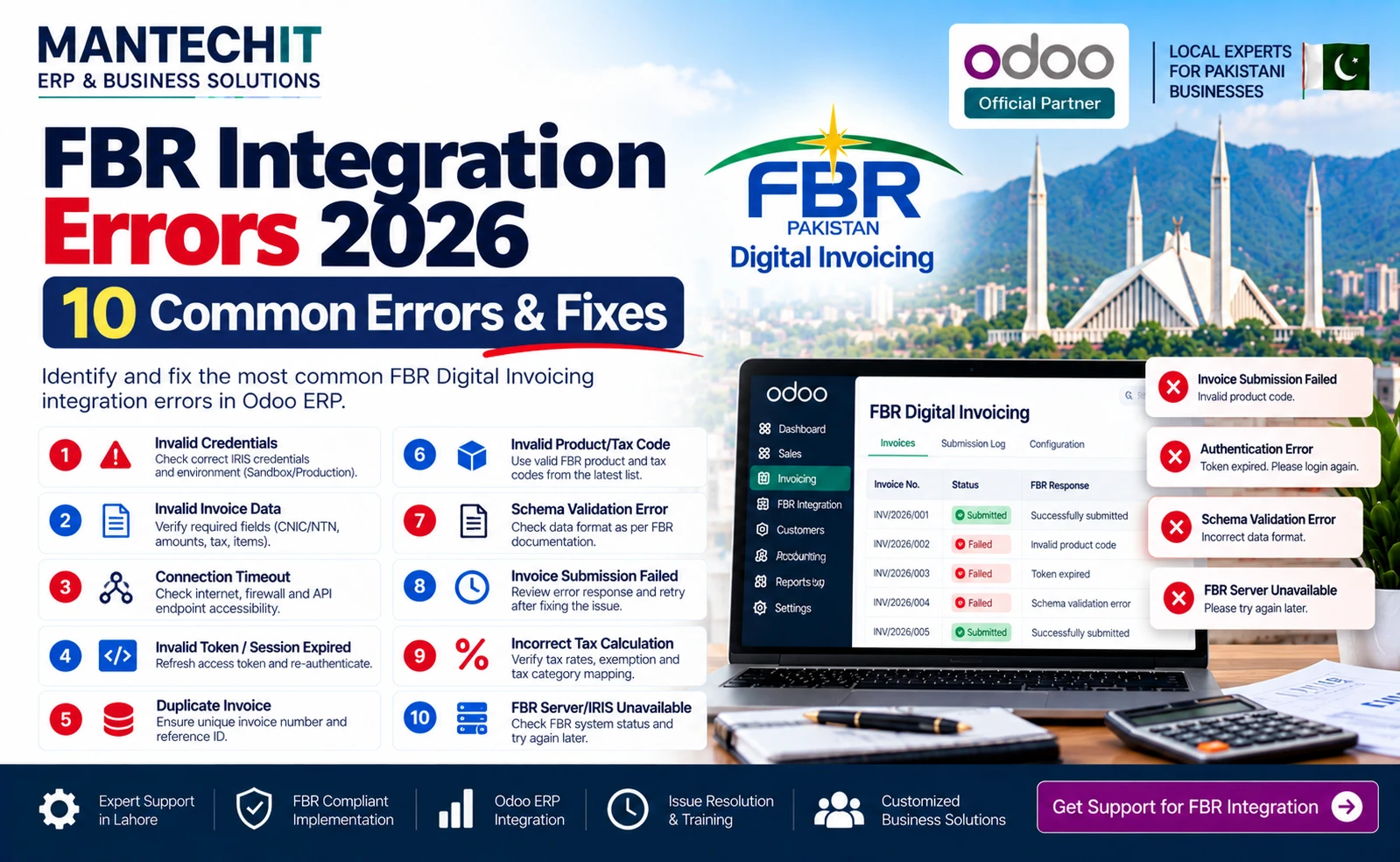
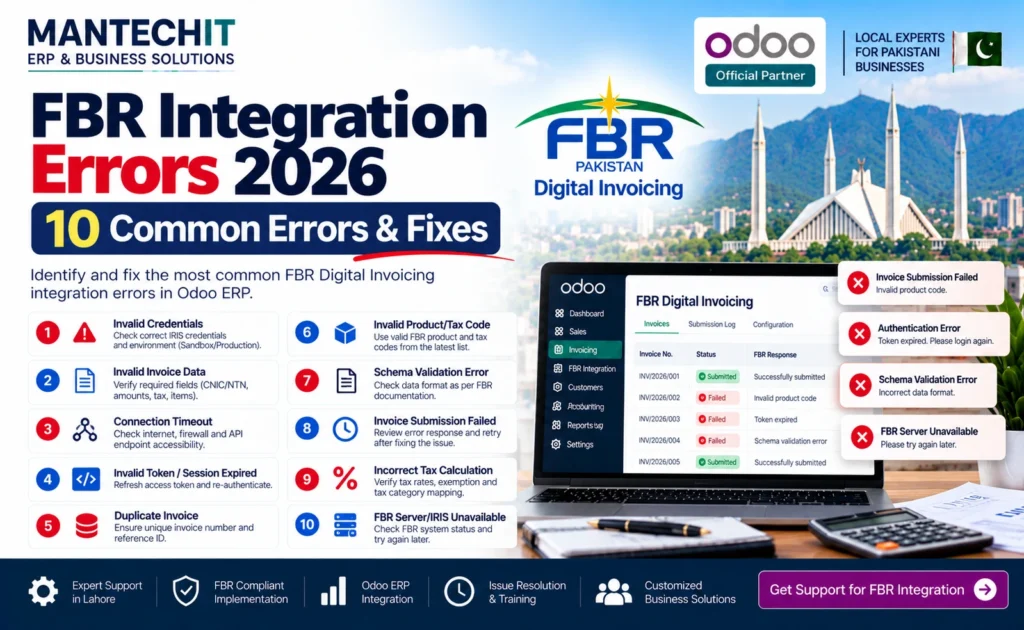
The fastest way to fix an FBR error is to read the exact error message and match it to its cause. This guide lists the 10 FBR integration errors we see most often while supporting Odoo, POS and ERP integrations, including the exact messages businesses search for, what each one means and how to fix it.
Invoices stuck right now? MantechIT supports FBR integrations for Odoo, POS and ERP systems. Book an FBR error check →
What Is FBR Integration?
FBR integration connects your business software, such as an ERP, POS, accounting system or invoicing application, with FBR’s electronic invoicing system. You don’t type every invoice into a government portal. Your system sends the required invoice data to FBR automatically and stores the response FBR sends back.
A typical FBR invoice flow looks like this:
Customer order → Invoice created → Tax calculated → Data validated → Sent to FBR API → FBR response → FBR invoice number / QR stored → Receipt printed
An error can happen at any step. That’s why the first question is always where it failed:
- Before sending: wrong tax, HS code, sale type or customer data inside your ERP
- While sending: wrong token, wrong endpoint or a network problem
- At FBR: server error, maintenance or a temporary outage
- After sending: the response was not saved, so the invoice looks “pending” even if FBR accepted it
FBR’s current framework requires notified registered persons to integrate their POS, ERP or invoicing systems through a licensed integrator. FBR publishes the official technical documentation for the Digital Invoicing API and a list of licensed integrators on its website.
Quick Answer: How Do I Fix an FBR Integration Error?
- Copy the full error message from the screen or integration log.
- Identify where it comes from: the FBR IRIS portal (browser), the FBR API (your ERP/POS), or your own network.
- 500-type errors are usually server-side at FBR. Wait, clear browser cache and retry later. Do not keep resubmitting.
- 400-type and validation errors (HS code, rate, NTN, missing field) are data problems in your invoice and must be fixed in your ERP.
- 401 errors mean the token or credentials are wrong or expired.
- Before resubmitting, check whether FBR already accepted the invoice so you don’t create duplicates.
Quick Reference Table
| # | Error message (as shown) | Where it appears | Usual cause | Who fixes it |
|---|---|---|---|---|
| 1 | Http failure response for …/mega-menu-service/v1/create-dynamic-workflow: 500 OK | IRIS portal (browser) | FBR server issue | Wait / FBR |
| 2 | Http failure response for …/sso-service-saas/v1/verify-credentials: 500 Internal Server Error | IRIS login | FBR login service issue | Wait / FBR |
| 3 | 401 Unauthorized / Invalid token | ERP / POS | Wrong or expired token | You / integrator |
| 4 | HS code does not match with provided sale type | ERP / POS | Wrong HS code for sale type | You / integrator |
| 5 | Tax rate / value mismatch | ERP / POS | Rate doesn’t match sale type | You / integrator |
| 6 | Invalid buyer NTN / STRN | ERP / POS | Wrong customer registration data | You |
| 7 | Missing mandatory field / invalid format | ERP / POS | Incomplete or malformed data | Integrator |
| 8 | Failed to load resource: 404 (Not Found) | ERP / POS / browser | Wrong endpoint URL | Integrator |
| 9 | Timeout / FBR invoice number not received | POS | Network or FBR delay | You / integrator |
| 10 | Duplicate or stuck “Pending” invoices | ERP / POS | Unsafe retry / sync issue | Integrator |
Exact wording can differ slightly between portal versions and API releases. Always compare with FBR’s current technical documentation.
FBR IRIS Portal Errors (Browser)
These appear on the FBR website while you log in or work on the portal. They are not caused by your ERP.
1. Http failure response for https://api.fbr.gov.pk/mega-menu-service/v1/create-dynamic-workflow: 500 OK
What it means: The portal page sent a request to an FBR service and the server returned a 500 (internal server) error. “500” means the problem happened on the server side, not in the data you typed.
Common causes:
- FBR service is under load or maintenance (common near filing deadlines)
- Browser session has expired
- Old cached files in the browser
How to fix:
- Log out, close all FBR tabs and log in again.
- Clear browser cache and cookies for fbr.gov.pk, or open an incognito/private window.
- Try another browser (Chrome or Edge, up to date).
- Wait 15–30 minutes and retry. Avoid peak hours near deadlines.
- Check FBR’s website and official social channels for maintenance notices.
- If it continues for more than a day, raise a complaint through FBR’s official helpline or complaint system listed on fbr.gov.pk. Include a screenshot and the time.
2. Http failure response for https://api.fbr.gov.pk/sso-service-saas/v1/verify-credentials: 500 Internal Server Error
What it means: The FBR single sign-on (login) service failed while checking your credentials. You may see it on the IRIS login screen even when the password is correct.
How to fix:
- Re-enter the credentials carefully. Watch for Caps Lock and extra spaces.
- Clear cache or use a private window.
- Wait and retry later. This is usually a temporary FBR-side issue.
- If it keeps happening only for your account, use the official password reset, then contact FBR support.
Tip: If many businesses get the same 500 error at the same time, it is almost always an FBR-side outage. Fixing settings in your ERP will not help. Keep a pending queue and wait.
FBR Digital Invoicing API Errors (ERP / POS)
These appear inside Odoo, your POS or ERP when an invoice is sent to FBR.
3. 401 Unauthorized / Invalid Token / Authentication Failed
What it means: FBR did not accept your system’s credentials. Your software may be online and connected to the internet, but FBR still refuses the request.
Messages you may see: Unauthorized, Invalid token, Authentication failed, Access denied, Invalid authorization header, Request rejected.
Common causes:
- Security token is wrong, expired or regenerated
- Sandbox token used on production, or the other way round
- Extra spaces copied into the token field
- Wrong authorization header format in a custom integration
How to fix:
- Confirm which environment you are on: sandbox (testing) or production (live).
- Re-copy the token from the official source and paste it without spaces.
- Update it in your Odoo FBR connector or POS settings and run a test invoice.
- Check the integration log for the exact response before changing anything else.
Odoo tip: Keep FBR settings separate from normal accounting settings. Document the environment (sandbox or production), token date, company details and POS configuration, so troubleshooting doesn’t depend on one employee.
4. HS code does not match with provided sale type
Full message: “HS code does not match with provided sale type. Please refer to relevant reference API in the technical document for DI API for valid HS code against sale type.”
What it means: The HS code on an invoice line is not valid for the sale type sent with it. FBR checks that each product’s HS code belongs to the selected sale type, for example standard-rate goods, reduced-rate, exempt or Third Schedule goods.
Common causes:
- Product has the wrong HS code in the ERP
- Correct HS code, but the wrong sale type is selected
- One generic HS code is used for all products
- HS code entered with a wrong format or digits missing
How to fix:
- Open the product in your ERP and check its HS code.
- Use FBR’s reference API / lookup for HS codes against sale type, as mentioned in the error and FBR’s DI technical documentation, to confirm the valid combination.
- Correct either the HS code or the sale type, whichever is wrong.
- Store the HS code and sale type in the product master, not typed per invoice, so the error doesn’t repeat.
- Resend the failed invoice after checking it wasn’t already accepted.
Odoo tip: Map HS code and FBR sale type as fields on the product. The connector then picks them automatically and cashiers can’t choose the wrong combination.
5. Tax Rate / Sales Tax Value Mismatch
What it means: The tax rate or tax amount on a line doesn’t match what FBR expects for that sale type and value.
Common causes:
- Old tax rate still configured after an SRO or budget change
- Discount applied after tax instead of before (or the reverse)
- Rounding differences between line and total
- Tax-inclusive vs tax-exclusive price confusion
- Exempt or zero-rated item sent with a rate
How to fix:
- Review tax configuration per product category: rate, inclusive/exclusive, exemptions.
- Check discount and rounding rules.
- Run test invoices with one standard, one reduced/special and one exempt item.
- Don’t hard-code rates. Update them whenever FBR notifies a change.
6. Invalid Buyer NTN / STRN / Registration Number
What it means: The buyer’s registration information is missing, in the wrong format or not valid for a registered-to-registered sale.
How to fix:
- Check the customer’s NTN/STRN or CNIC in the customer master.
- Remove spaces and dashes if your connector expects digits only.
- Make sure registered and unregistered buyers are set up correctly in the ERP.
- Lock these fields so they are not edited on every invoice.
7. Missing Mandatory Field / Invalid Format / Invalid JSON
What it means: A required field is empty or sent in the wrong format.
Frequent culprits: invoice date format, unit of measure, quantity, seller or buyer province, invoice type, product description, special characters in names, or malformed JSON in custom integrations.
How to fix:
- Read the field name in the error. FBR usually names it.
- Fix the master data: company, customer, product or tax.
- For developers: log the full request and response securely, without storing tokens in logs, and validate against FBR’s current DI API documentation.
8. Failed to load resource: the server responded with a status of 404 (Not Found)
What it means: Your system is calling an FBR URL that doesn’t exist.
Common causes:
- Sandbox endpoint used in production, or the other way round
- Old endpoint after an FBR API update
- Typo in the configured URL
How to fix:
- Compare the endpoint in your connector with FBR’s current technical documentation.
- Update to the correct environment URL.
- Test with one invoice before resending a backlog.
Connectivity & POS Errors
9. Timeout / 5xx Error / FBR Invoice Number Not Received
What it means: The invoice left your POS or ERP but no FBR response came back in time, so no FBR invoice number or QR code was printed.
Messages you may see: Connection timeout, Request timeout, Connection refused, 502/503/504 error, Network error, Unable to connect, Invoice synchronization failed.
To find the failure point, check each link in the chain: POS/ERP → your server → internet → FBR API → FBR response. If your other websites open normally and many businesses report the same problem, FBR is the likely cause.
Common causes:
- Internet drop at the store or office
- Firewall or proxy blocking FBR
- FBR service slow or under maintenance
- POS not correctly registered or configured
How to fix:
- Check the internet connection at the POS terminal or server.
- Check the invoice’s FBR status in the system before printing again.
- Use a pending queue: the sale continues and the invoice is sent automatically when the connection returns, as long as this follows the applicable FBR requirements.
- If no POS invoice gets an FBR number, check the POS registration and configuration with your integrator.
10. Duplicate Invoices or Invoices Stuck on “Pending”
What it means: The ERP shows an invoice as failed or pending, but FBR may already have received it. Or a retry has sent it twice.
How to fix:
- Never click “Submit again” blindly. First check whether FBR already returned an FBR invoice number.
- Match local invoice number, timestamp and FBR response in the log.
- Retry only invoices that truly failed.
- Ask your integrator to add proper retry rules so accepted invoices are never sent again.
What a good integration logs for every invoice:
| Field | Why it matters |
|---|---|
| Local invoice number | Matches the invoice in Odoo or POS |
| Date and time sent | Shows when the request left |
| FBR response / error message | Tells you the exact problem |
| FBR invoice number (if returned) | Proves FBR accepted it |
| Status (sent, pending, failed, rejected) | Shows what needs action |
| Retry count | Prevents endless resubmission |
With this log, your team can tell in seconds whether an invoice failed and can be retried, or was already accepted and must not be sent again.
Step-by-Step FBR Troubleshooting Checklist
- Copy the exact error message and code.
- Find the source: portal, API or network.
- 500 errors: wait, clear cache and check FBR notices.
- 401 errors: check the token and the environment.
- Validation errors: fix the HS code, sale type, rate, NTN or the missing field in master data.
- 404 errors: check the endpoint URL.
- Timeouts: check the network, then the pending queue.
- Check FBR status of the invoice before any retry.
- Retry safely using the integration’s retry logic.
- Escalate with invoice number, error text, timestamp, screenshot and logs.
How to Prevent FBR Errors Before They Happen
- Clean product master: HS code, sale type, unit and tax set once per product
- Clean customer master: verified NTN/STRN, registered or unregistered status
- Central tax rules: no manual tax typing by cashiers
- Failed-invoice dashboard: successful, pending, failed and rejected invoices visible daily
- Integration logs: kept securely for audit and troubleshooting
- Test before go-live: sandbox testing with real product scenarios
- Stay updated: FBR changes APIs, rates and rules. Review after every notification.
- Use a licensed integrator: FBR requires notified registered persons to integrate through a licensed integrator. Check FBR’s published list before choosing a provider.
Questions to Ask Your FBR Integration Provider
- Is the integration done through an FBR-licensed integrator?
- Are HS code, sale type and tax set per product, or typed per invoice?
- Is there a pending queue when FBR or the internet is down?
- How are retries handled so invoices are never duplicated?
- Can we see a dashboard of failed and pending invoices?
- Who updates the system when FBR changes its API or tax rates?
- How fast do you respond when invoices stop going through?
If a provider can’t answer these clearly, expect the errors in this guide to keep coming back.
Related: Odoo FBR Integration in Pakistan → Related: How to Integrate POS with FBR Invoicing System → Related: Best FBR Digital Invoicing Software in Pakistan →
Why Odoo + MantechIT Reduces FBR Errors
Most FBR errors come from bad master data and unsafe retries, not from FBR itself. In MantechIT’s Odoo FBR setups:
- HS code and sale type are stored on each product, so error #4 doesn’t repeat
- Tax rules are configured centrally per product category
- Customer NTN/STRN is validated in the customer record
- Failed invoices go to a pending queue with automatic, safe retry
- A dashboard shows every invoice’s FBR status
- Our Lahore team applies FBR updates when APIs or rates change
See our FBR Digital Invoicing Integration service → and Cloud POS with FBR →.