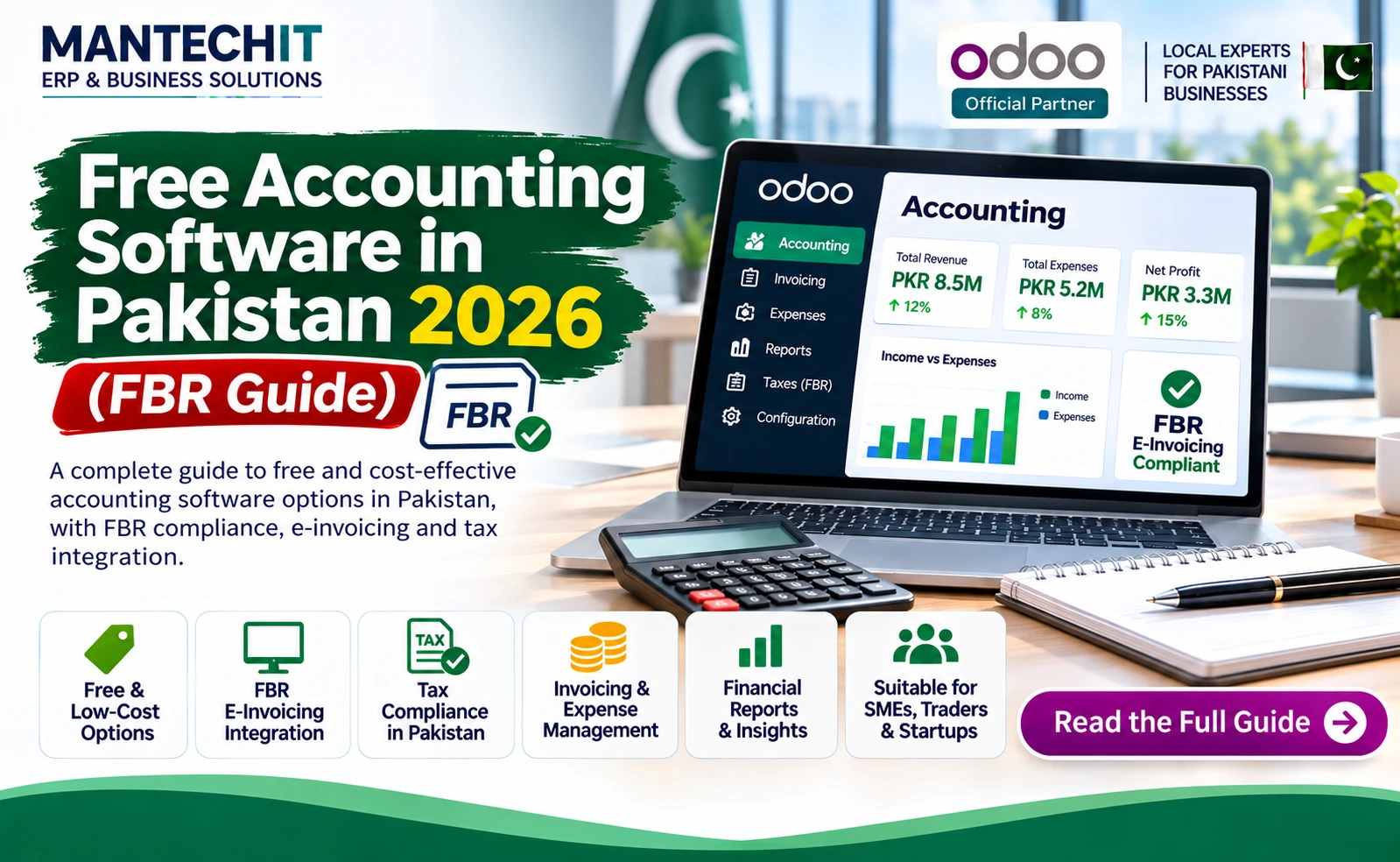
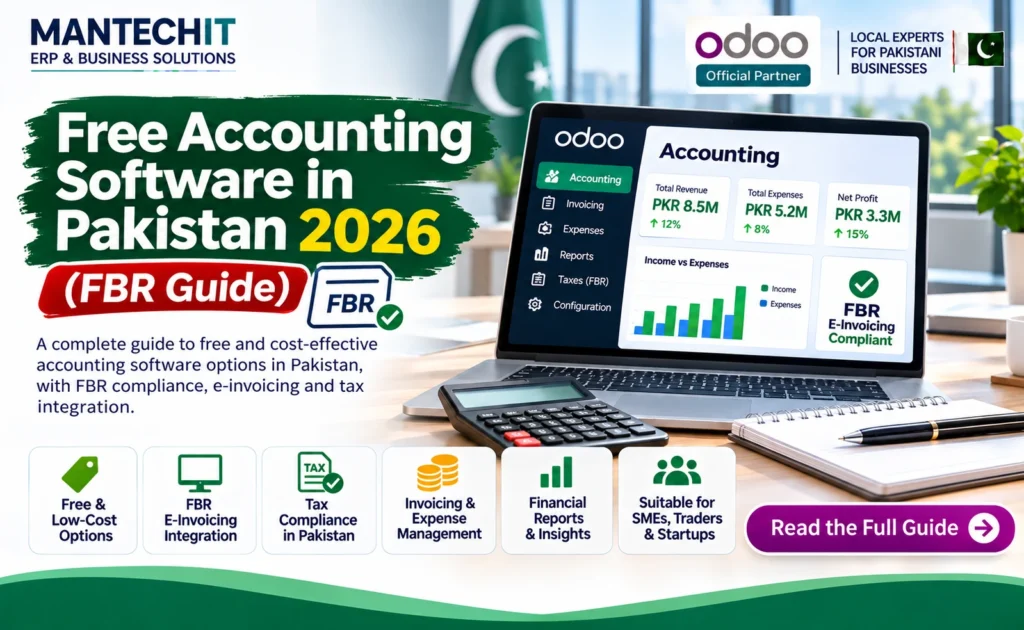
Many Pakistani business owners start with Excel or a cracked copy of old desktop software. Both create problems later: lost data, no backups, wrong tax figures and no way to meet FBR’s digital invoicing rules. Legal, free accounting software is a better start, as long as you know what “free” actually covers.
This guide compares the free options available to Pakistani businesses, what each one can and cannot do, and when it’s time to move to a full ERP.
Where small businesses lose money with “free” software
Free software saves the licence cost, but the hidden costs show up later:
- No FBR integration: invoices still have to be uploaded to FBR by hand
- Single user only: the owner and the accountant can’t work at the same time
- No inventory or weak inventory: stock is still tracked in a separate register
- No local support: when something breaks, there’s no one in Pakistan to call
- Data stuck on one PC: a crashed hard disk can mean losing years of records
None of these are reasons to avoid free software. They are reasons to choose the right one and know when you’ve outgrown it.
Free Accounting Software in Pakistan: Quick Comparison
| Software | What’s free | Users | Inventory | FBR digital invoicing | Best for |
|---|---|---|---|---|---|
| Odoo Community | Full software, open source | Unlimited | Yes, multi-warehouse | Through a partner integration | Growing businesses that will need ERP |
| GnuCash | Full software, open source | Single user | No | No | Very small businesses and sole traders |
| Manager.io Desktop | Desktop edition | 1 user | Basic | No | Small traders and service businesses |
| Zoho Books Free | Cloud plan for small revenue | 1 user + 1 accountant | Basic | No | Freelancers and micro businesses |
| Excel / Google Sheets | Free or already owned | Shared files | Manual | No | Very first months only |
Check each vendor’s website before installing; features and free-plan terms can change.
1. Odoo Community Edition
Odoo Community is the free, open-source edition of Odoo, one of the most widely used ERP systems in the world. It includes accounting, invoicing, inventory, sales, purchase and POS apps.
What you get free:
- Double-entry accounting with sales tax on every invoice line
- Customers, vendors, invoices and bills
- Inventory with multiple warehouses
- Unlimited users
- Room to grow into manufacturing, payroll and CRM
What’s not included:
- Hosting: it needs a server or cloud hosting
- Setup: chart of accounts, taxes and opening balances need configuring
- FBR digital invoicing: added through an integration by an Odoo partner
Best for: businesses that expect to grow, trade in stock or will need FBR digital invoicing soon.
Related: Odoo FBR Integration Guide · Best ERP Software in Pakistan
2. GnuCash
GnuCash is free, open-source accounting software for personal and small-business use. It runs on Windows, macOS and Linux.
Strengths:
- Proper double-entry accounting
- Reports and graphs
- Bank statement import
- Basic customer and vendor invoicing
Limitations:
- Single-user desktop software
- No inventory management
- No FBR integration
- Takes some accounting knowledge to set up
Best for: sole traders, consultants and very small businesses with no stock.
3. Manager.io (Desktop Edition)
Manager is accounting software with a free Desktop Edition. The desktop version supports one user; the Server and Cloud editions for more users are paid.
Strengths:
- Invoices, bills, bank accounts and reports
- Basic inventory items
- Works offline on your PC
Limitations:
- One user only on the free edition
- No FBR digital invoicing
- Data stays on one computer unless you back it up yourself
Best for: small shops, traders and service businesses run by the owner.
4. Zoho Books Free Plan
Zoho Books offers a free cloud plan for solopreneurs and micro businesses whose annual revenue stays below the threshold Zoho sets (USD 50,000 at the time of writing).
What the free plan includes:
- 1 user plus 1 accountant
- Up to 1,000 invoices and 1,000 bills a year
- Email support
Limitations:
- Not built for Pakistani FBR digital invoicing
- Limited inventory and add-ons
- Check that the free plan is available for your country when you sign up
Best for: freelancers and online service businesses with small, simple invoicing.
Is Excel Enough?
Excel or Google Sheets works for the first few months of a very small business. After that, the problems grow quickly: formula errors, no audit trail, no stock control and no link with FBR. If more than one person records transactions, or you hold stock, move to proper accounting software early.
Urdu Accounting Software: What Are the Options?
Many shopkeepers and staff in Pakistan prefer Urdu, so Urdu support matters. Few free packages offer a complete Urdu interface, so check the language list before you install.
Your practical options:
- Local Pakistani packages: several offer Urdu screens and reports, usually as paid software
- Odoo: supports right-to-left text and custom translations, so Urdu labels can be added to screens and printed invoices
- Bilingual invoices: keep the system in English and print customer invoices with Urdu labels
The Hidden Costs of “Free” Accounting Software
Free licence does not mean zero cost. Plan for:
- Hosting or a reliable PC with regular backups
- Setup: chart of accounts, sales tax, opening balances
- Training for the people who will use it daily
- FBR compliance: manual uploads take staff time; an integration needs a partner
- Support: someone to call when a report doesn’t match the bank
Counting these up front helps you compare free and paid options honestly.
When Free Software Is No Longer Enough
It’s time to move to an ERP when:
- You must issue FBR digital invoices and manual uploads take hours
- You hold stock in more than one location
- Several people need to work at the same time
- You need payroll, POS or manufacturing alongside accounts
- Month-end closing takes days instead of hours
At that point, Odoo is a natural next step: you can start with Odoo Community or Enterprise and add apps as you grow.
Related: FBR Digital Invoicing for Odoo · Best ERP for Small Business in Lahore · Best Accounting Software in Pakistan
How to Move from Free Software to Odoo
- Export your data: chart of accounts, customers, vendors, products and opening balances
- Set up taxes: sales tax rates and withholding for your business
- Import and check: opening balances should match your last trial balance
- Run both systems for a short period to compare figures
- Train your team and switch over at the start of a month
An experienced Odoo partner can do the migration and FBR setup so your team keeps working without interruption.
Frequently Asked Questions
Get the Right Accounting Software for Your Business
Not sure whether free software is enough for you? Book a free demo with MantechIT, an Official Odoo Partner in Lahore, and see Odoo set up for your business with FBR digital invoicing.
📞 0345 8880987 · ✉️ info@mantechit.com · 📍 Office 8/E, Block E, Johar Town, Lahore